Read barcodes from images
Softek Software’s barcode reader software is used world-wide in applications as diverse as logistics, legal, banking, museums, science, government, lottery, housing & manufacturing. Our clients include Fuji Xerox, Air Dolomiti, Nan Shan Life Insurance, Honda Motor Europe, PFU Ltd, Leica Biosystems, Jackpocket, Scientific Games, Carl Zeiss Meditec, ELO Digital Office, Hamamatsu and the Natural History Museums of London & America.
Select the best software for your project…
|
Barcode reader SDK for Windows with interfaces for C#, Java, Python, VB.Net, C++… Read 1D & 2D barcodes from PDF & images. |

|
Barcode reader SDK for Linux/OSX/Android/iOS with a shell tool and interfaces for Python, Perl, Java, C and C++. Reads 1D & 2D barcodes from PDF & images. |
|
Multi-Platform Barcode Reader SDK for .NET Standard. Read 1D & 2D barcodes from PDF & images. |
|
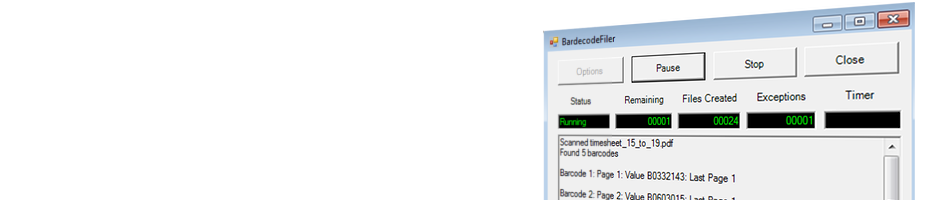
Barcode recognition application. Split, separate & rename TIF, PDF & JPG according to barcode location & value. |
|
Barcode Recognition Windows Service. Split & rename PDF, TIF & JPG by barcode. |
|
Barcode Recognition DOS prompt tool. Read 1D & 2D barcodes from PDF & images. |
Latest…